Tutorial
This tutorial will walk you through creating a blog application.
Prerequisites
Ensure you have checked out and set up the boilerplate_server and boilerplate_client repos as per the server README and client README
Data model
The following data model will be used for this tutorial.
Every blog has a category and a series of blog posts
The user model is provided by Rhino.
Create the models and database schema
Generate the models and database schema for the application using the following commands
rails g model category name:string
rails g model blog user:references title:string published_at:datetime category:references
rails g model blog_post blog:references title:string body:text published:boolean
rails db:migrate
These are standard rails commands. See the Rails Guides for more information.
Configure the models
Update the model code files to extend the associations, validations and Rhino configuration for the model files as highlighted below
Category
class Category < ApplicationRecord
  has_many :blogs, dependent: :destroy

  # Rhino specific code
  rhino_owner_global

  validates :name, presence: true
end
rhino_owner_global indicates there is no owner for this model. It is a global resource.
Blog
class Blog < ApplicationRecord
  belongs_to :user
  belongs_to :category
  has_many :blog_posts, dependent: :destroy

  # Rhino specific code
  rhino_owner_base
  rhino_references [:user, :category]

  validates :title, presence: true
end
rhino_owner_base assigns the owner of this model to "base owner", which is the User by default in Rhino
rhino_references includes the related models in the API response
BlogPost
class BlogPost < ApplicationRecord
  belongs_to :blog

  # Rhino specific code
  rhino_owner :blog
  rhino_references [:blog]

  validates :title, presence: true
  validates :body, presence: true
end
rhino_owner ownership of this model to another model, in this case the Blog model, which is the User by default in Rhino
Configure the REST API
Update the Rhino configuration so that Blog, BlogPost, are available through the Rest API
- config.resources += ['User', 'Account']
+ config.resources += ['User', 'Account', 'Blog', 'BlogPost', "Category"]
If you don't add the models to the config.resources array, they will not be available through the API.
Seed the database
Rails provides a way to seed the database with data using the db/seeds.rb file. This is useful for testing and development. Create a few categories to use in the blog and a user to login with.
# Generate sample user
User.create!(email: "test@example.com", password: "password")

# Generate sample categories
3.times do
  Category.create!(name: FFaker::Book.unique.genre)
end
And add the seed data to the database
rails db:seed
Restart the application
Run the server and client
rails s
npm start
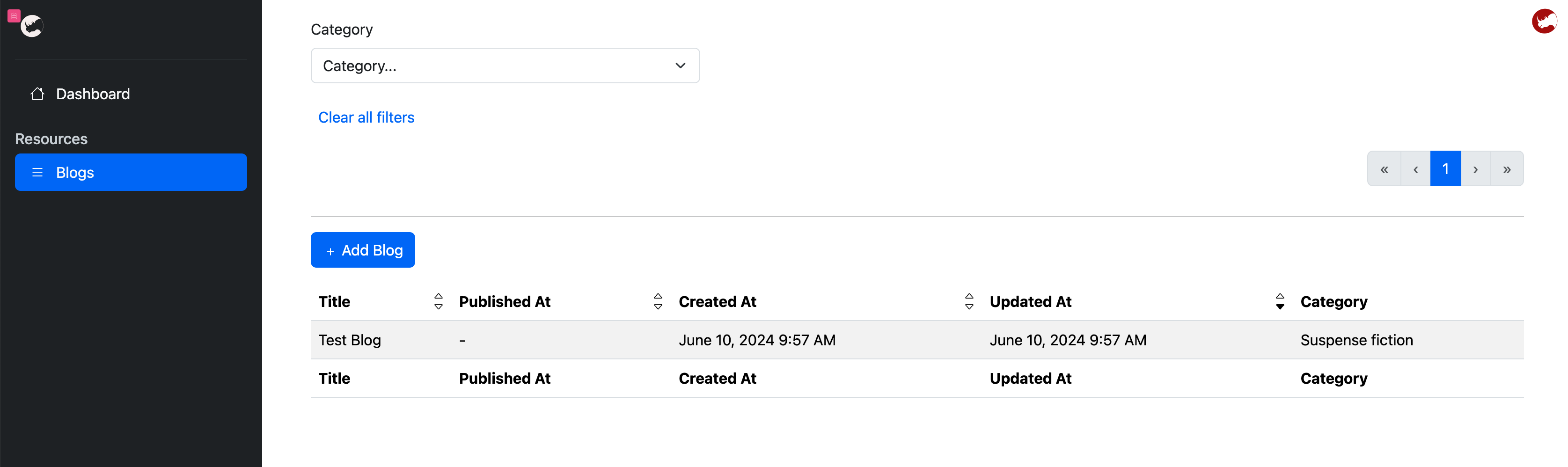
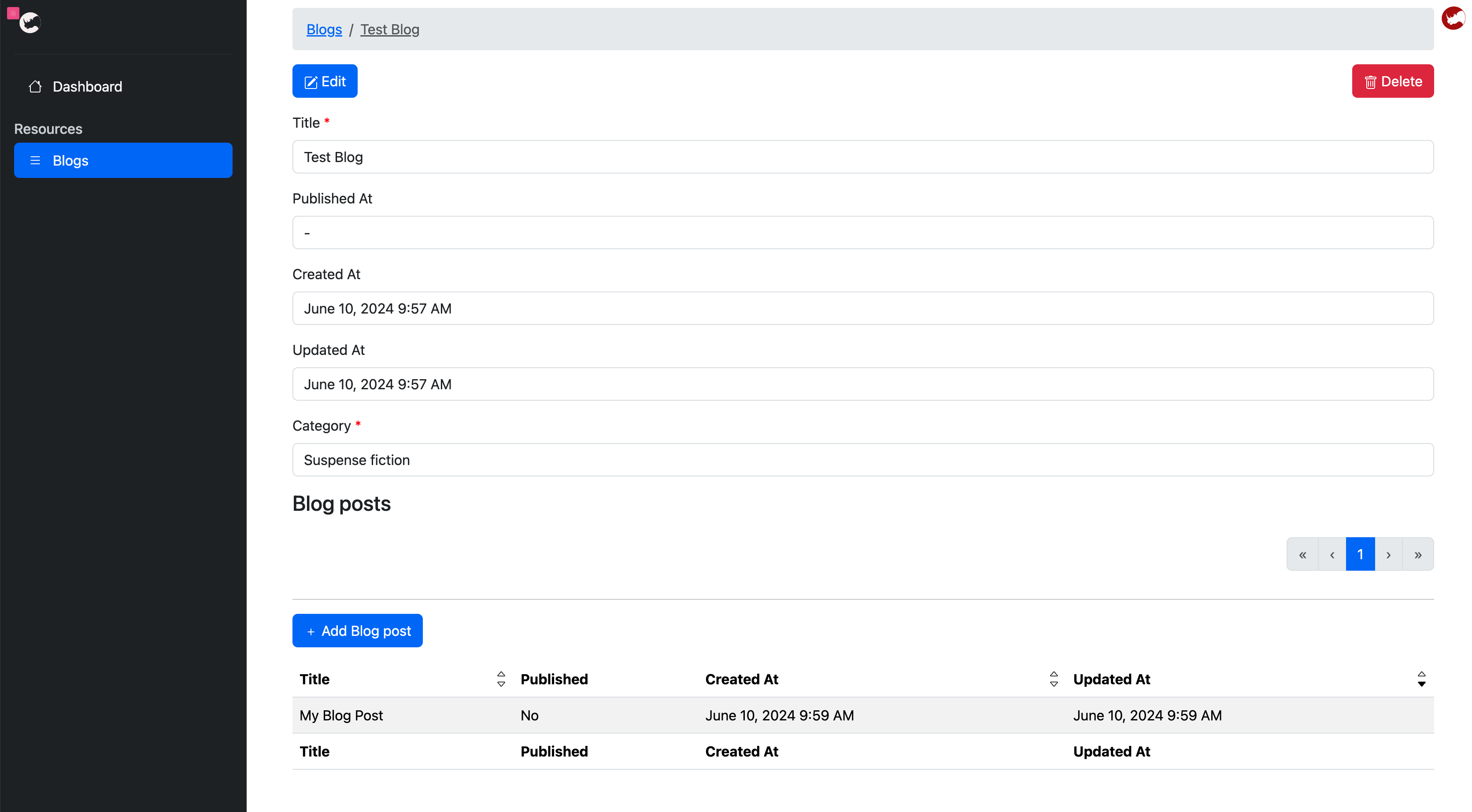
Create blogs and blog posts
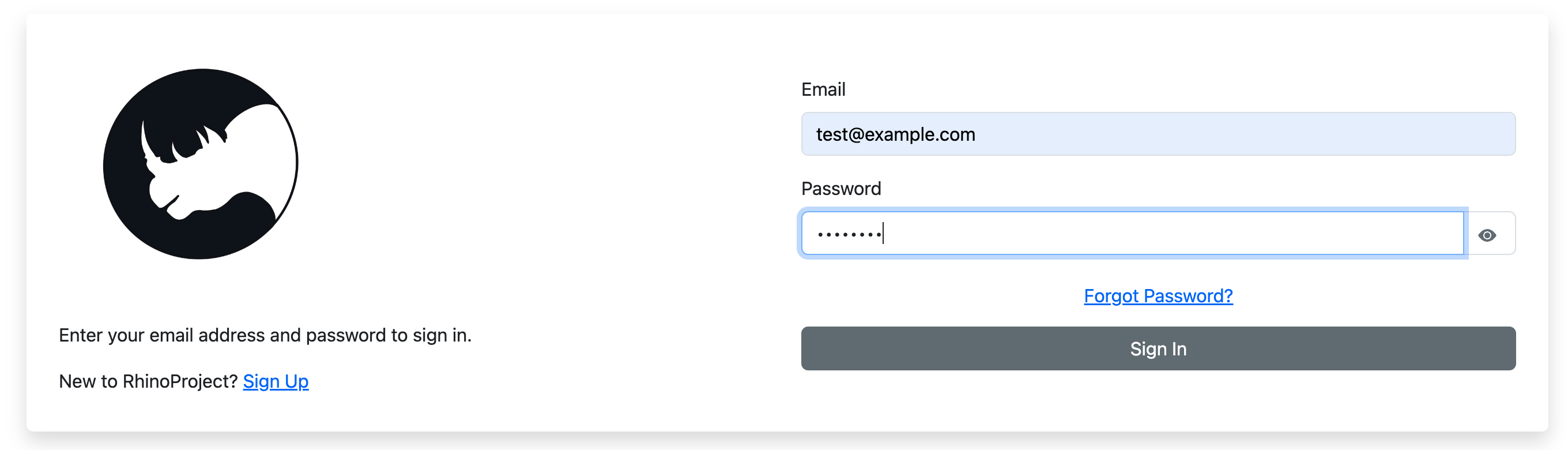
Go to http://localhost:3001 in your browser and login to the application with test@example.com and password.
You can now create a new blog and add some blog posts with the automatically generated user interface.